Your one-stop solution for convenient bill payments.
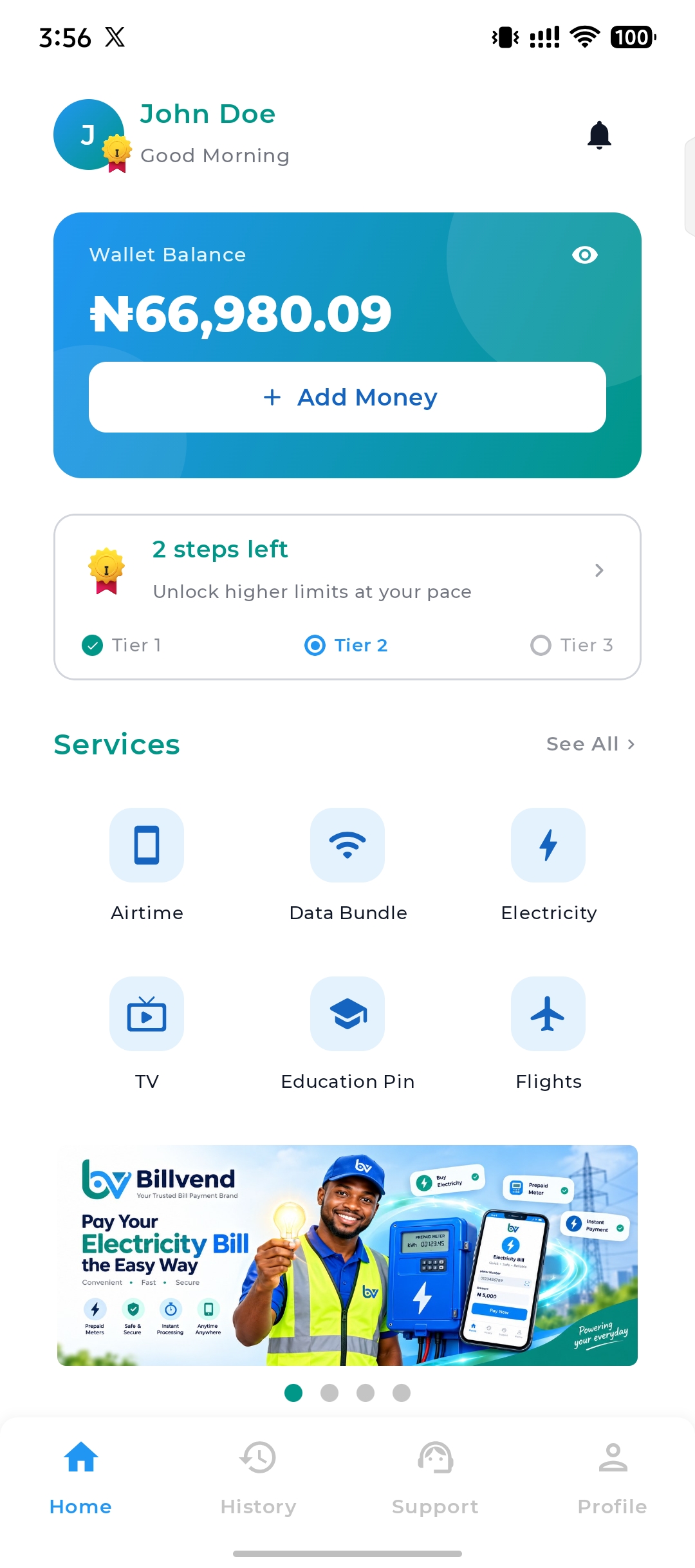
Fund your wallet once and instantly access airtime, data, electricity, cable TV, exam pins, and flights — the smartest way to pay in Nigeria.
- Instant delivery
- No hidden fees
- 24/7 support


Payment
Successful
Happy Customers
Transactions Processed
Uptime Guaranteed
Customer Support
Over 20+ service providers
One wallet, connected to the networks, stations, electricity companies and banks you already use.



















Everything you can do
One wallet. Six powerful services. Fund once, access everything.
Airtime Topup
Recharge any Nigerian network instantly
Data Bundle
Affordable data plans for all networks
Electricity
Pay bills for all distribution companies
Exam Pins
Buy WAEC, NECO, and JAMB pins instantly
Cable TV
Renew DSTV, GOtv & Startimes plans
Flight Booking
Book local & international flights
3 Simple Steps to Get Started
Download the app, create your free account, and start paying bills in minutes.
Download the App
Get Billvend from Google Play or the App Store and install it in seconds.
Sign Up for Free
Create your account with your email and verify your phone number — no paperwork, no hidden fees.
Add Funds & Pay Bills
Top up by bank transfer or card, then pay airtime, data, electricity, cable TV and more instantly.
Get the app
Free on iOS and Android — set up your account in under two minutes.
Why choose us
We make bill payments fast, secure, and rewarding — built around you.
Instant Delivery
Airtime, data, and pins are delivered within seconds of payment. No waiting.
Secure Transactions
Bank-grade security with end-to-end encryption. Your money and data are safe.
Best Rates
Competitive pricing and discounts on data bundles. Save more with every transaction.
About Billvend
Nigeria's most reliable bill payment platform for Airtime, Data, Electricity, Cable TV, Exam pins, and Flights Booking — all in one place.
Billvend Limited · RC 7821240
What our users say
Join thousands of satisfied customers who trust Billvend every day.
"I've been using Billvend for over a year. Airtime delivery is instant and their data bundles are cheaper than anywhere else. Highly recommend!"
Chidi A.
Lagos, Nigeria
"The platform is incredibly fast and reliable. I pay all my bills from one place now. Highly recommend!"
Funke O.
Abuja, Nigeria
"Booked my flight to London and got a better rate than any travel agency. Plus I paid directly from my wallet. So convenient!"
Emeka K.
Port Harcourt, Nigeria
Frequently asked questions
Everything you need to know before getting started.
General
What should I do if I forget my account password?
How can I view my transaction history?
What services are available on this platform?
How can I update my personal information on my account?
What payment methods are accepted on our platform?
How do I sign up for an account?
What happens if my wallet balance runs out?
Is there customer support available?
Can I integrate this system with my existing website or app?
How long does it take for payments to be completed?
What happens if a payment fails?
Do I need any special equipment to get started?
How secure are payments on the platform?
Account Management
How can I close my account?
Can I change my registered email address?
How can I add or remove a beneficiary from my account?
Can I link multiple bank accounts to my profile?
How can I change my transaction PIN?
Transaction Complaints
What should I do if I see an unauthorized transaction on my account?
Can I cancel a processing transaction?
How long does it take for a refund to be processed?
What should I do if my transaction fails?
Why is my transaction showing as 'Processing'?
Still have questions?
Our support team typically replies within 2 hours — reach out anytime.
Build on top of Billvend
A clean, versioned REST API powers our mobile app — and it can power yours too.
RESTful JSON API
Versioned endpoints for auth, wallet, transactions, purchases, KYC, and device management.
Secure by design
Bearer tokens, device attestation headers, and transaction PINs keep every request safe.
Predictable responses
A consistent envelope and camelCase fields on every endpoint — easy to model in any language.
Clear errors
Machine-readable codes and precise validation messages make failures easy to handle.
- Authorization
- Bearer <token>
- Content-Type
- application/json
Body · JSON
{
  "provider": "mtn",
  "phone": "2348012345678",
  "amount": 500,
  "reference": "my-unique-ref-0001"
}
Response
{
  "data": {
    "status": "completed",
    "amount": 500.00,
    "currency": "NGN"
  },
  "message": "Your transaction completed successfully."
}
Want to integrate?
Reach out for API access, docs, and sandbox credentials.
Get the Billvend App now
Create your free account today and start paying bills in seconds — or download the app and take Billvend everywhere.